A studio's work does not start at the shoot and end at the upload. There is the enquiry, the quote, the booking, the crew, the invoice, the gallery and the next client who found you online. Most studios run those on different tools, or on paper.
Eventik is photography studio management software that puts them in one account. This post follows one wedding booking through the studio, step by step, and shows where Eventik helps at each stage.
Get found: a portfolio page that collects enquiries
Your Portfolio page is a public page for your studio, built from sections you switch on or off: Hero, About, Gallery, Services, Testimonials, Contact and Footer. Add your galleries (photos, videos or a YouTube or Vimeo link), your services and your clients' reviews, then click Publish.
Visitors can send an enquiry from the page with their name, email, phone or WhatsApp number, event type and date. You see it under Inquiries, and Add to Leads moves it into your pipeline. The portfolio page comes with the paid studio plans. See our portfolio guide.
Win the booking: leads, packages and estimates
- Leads: every enquiry sits in one pipeline with the status New, Qualified, Proposition, Won or Lost, so no WhatsApp message gets forgotten. A won lead converts into a client.
- Packages: build your packages once, with the category, duration, crew included (for example a Candid Photographer or Drone Operator) and deliverables (Edited Photos, Highlight Film, Premium Album and more).
- Estimates: send a quote built from your packages, and open it as a document you can save as a PDF or print.
Our guide on tracking enquiries from lead to booking walks through the pipeline screen by screen.
Plan the shoot: one calendar for the whole crew
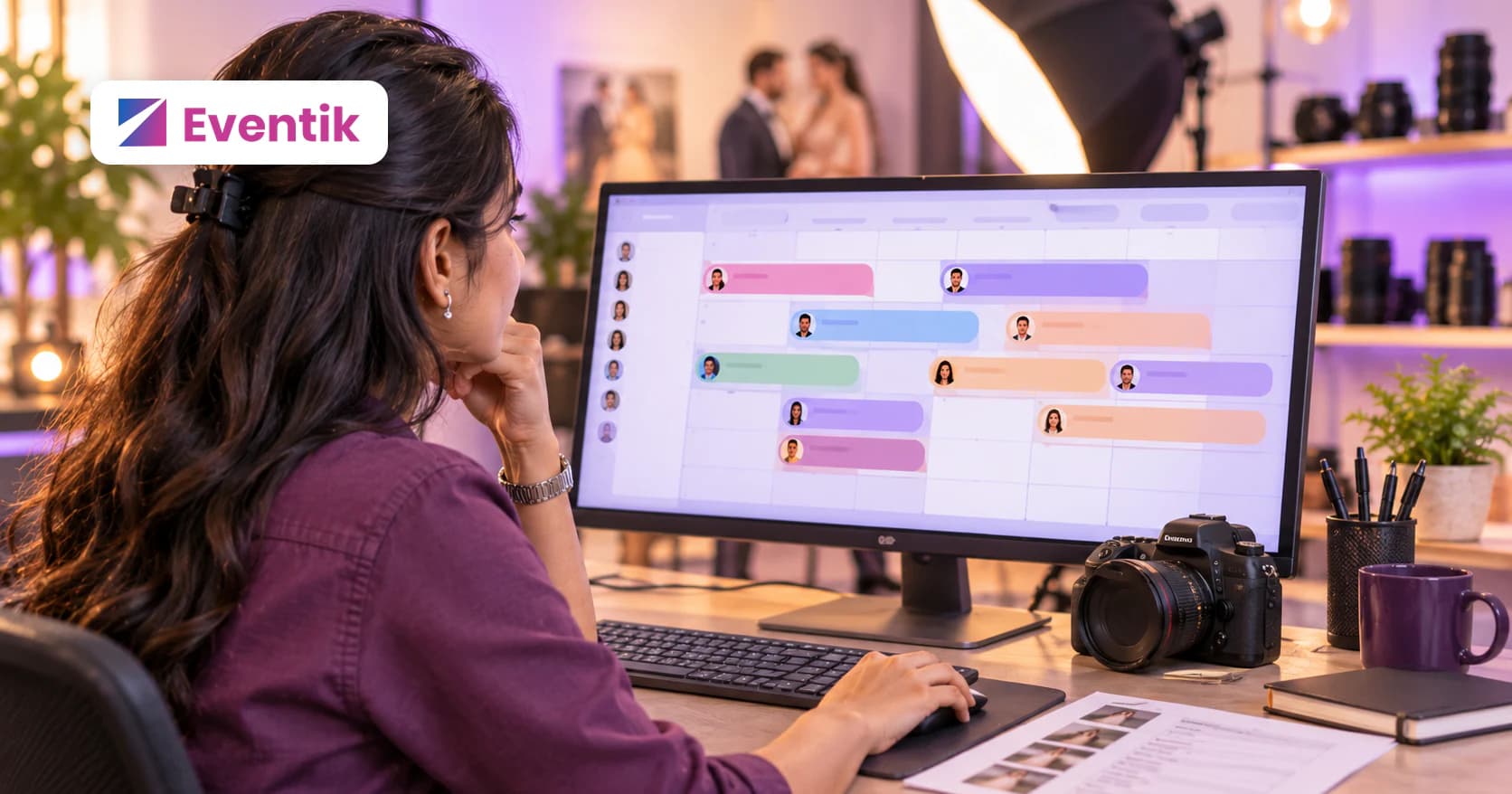
Once the booking is confirmed, add the event. It shows on the studio Calendar in month and week views, coloured by status. A multi-day wedding shows on every day it covers.
Assign your team to the event with a time slot (Morning, Afternoon or Full Day), and Eventik warns you when someone is already busy. Team members see their own events and a view-only calendar. Team seats come with the paid studio plans; read how to add your team and set roles.
Get paid: invoices and payments
Create an invoice for the client with line items (add them straight from your package library), a discount and a tax rate. Track each invoice as draft, sent, paid, partial or overdue, and Record payment as the advance and the balance come in, by cash or online.
Every invoice opens as a clean document you can save as a PDF or print, so you are not retyping the same details in a separate billing tool.
Deliver the photos: galleries guests actually use
- Upload photos and videos into folders, one folder per function.
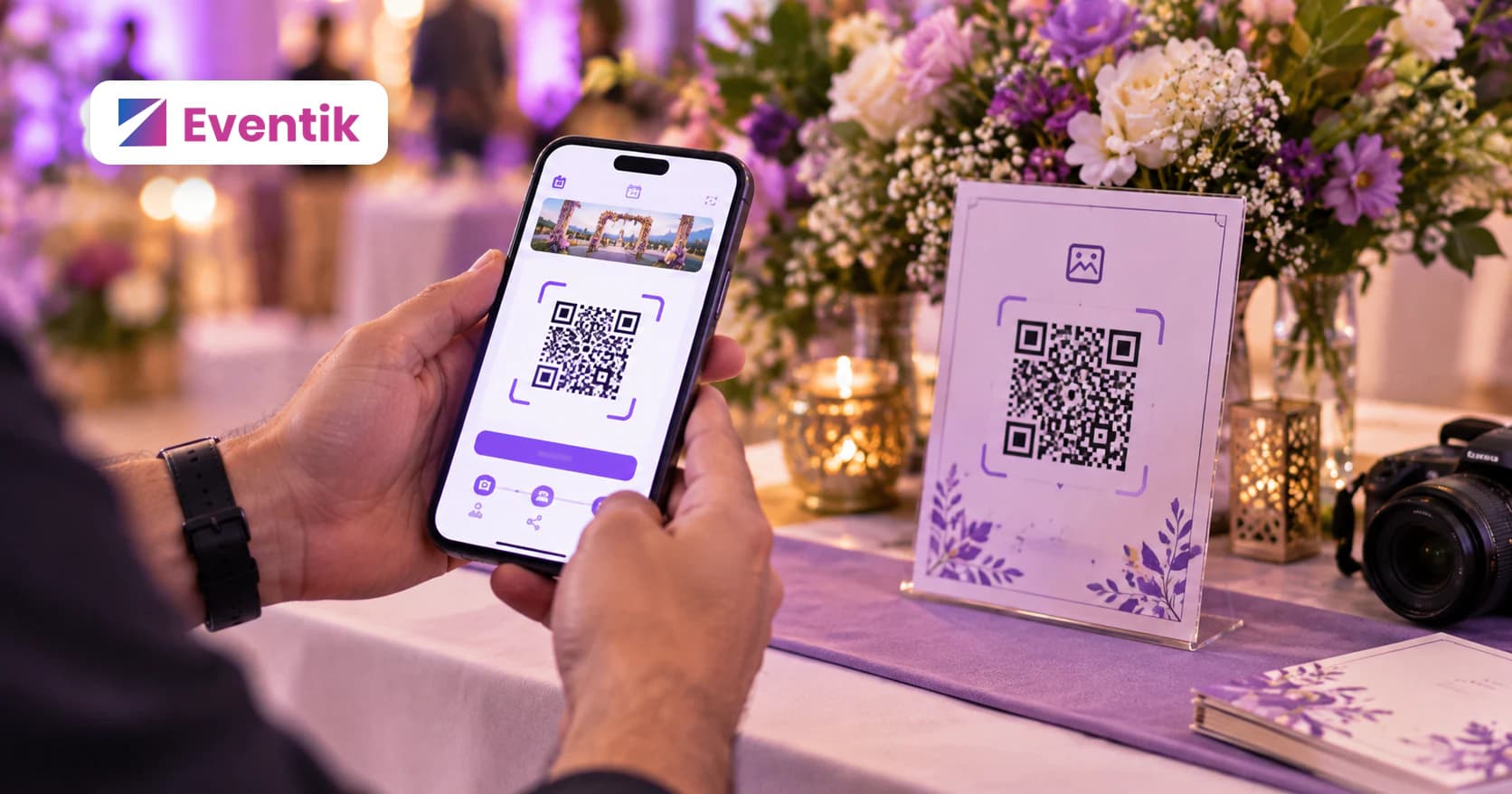
- Share a QR code or link. With Personal Access, each guest takes a selfie once and sees only the photos they appear in.
- Control the gallery: turn downloads on or off, and stamp your studio watermark on the photos.
- Flipbooks: turn the best photos into a digital album, with layouts and captions, as a paid add-on.
Step-by-step: how to create your first event on Eventik.
Why one account matters
Because every tool shares the same data, the client you won as a lead is the client you pick when you add the event, the event your crew sees on the calendar is the one you upload to, and the package you sold is the line on the invoice. Nothing is typed twice.
Plans are based on storage, the number of events, team seats and how long photos are kept, never on how many photos you upload. See pricing and all features.
Frequently asked questions
What does Eventik do for a photography studio?
It brings leads, packages, estimates, invoices, the crew calendar, photo galleries with face recognition and a portfolio page into one account.
Is there a free plan for studios?
Yes. The free studio plan includes events, storage, gallery sharing, face matching and basic invoicing. Team seats, the portfolio page and more come with the paid studio plans.
Can my team use Eventik too?
Yes, on the paid studio plans. Each team member gets a role, sees the events they are assigned to and has a view-only calendar.
Can clients find my studio through Eventik?
Your published portfolio page is public, and visitors can send an enquiry from it that you can add to your leads.