A big Indian wedding can produce a very large number of photos across several functions. Each guest wants the ones they are in, and nobody wants to scroll through the rest. Photo face recognition is built to solve that: a guest takes one selfie and sees only the photos they appear in.
This guide explains how it works in plain words, what affects its accuracy, why a photo is sometimes missed, and the privacy questions every photographer and guest should ask before using it. It is written for both sides: studios delivering events and guests finding their photos.
What is face recognition photo sharing?
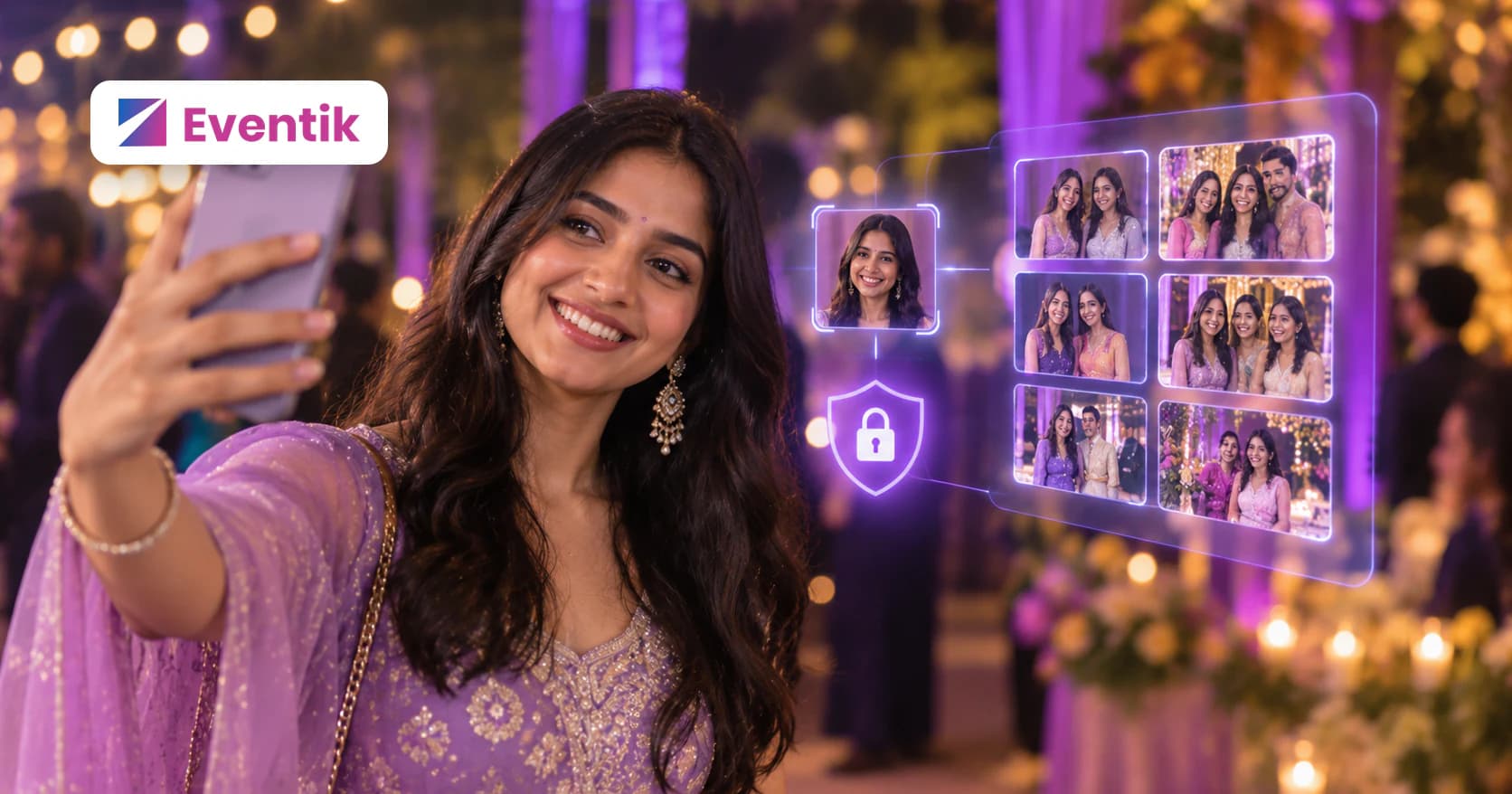
Face recognition photo sharing is a way of delivering event photos where the software, not a person, works out who is in each picture. The photographer uploads the whole event once. Each guest then opens a link or scans a QR code, takes a selfie, and gets a personal gallery of the photos they appear in.
Nobody tags anyone by hand, and nobody has to search. The same process applies whether the event is a small family function or a large college fest.
How photo face recognition works, step by step
- The photographer uploads the event. All the photos go into one event, often sorted into folders such as Haldi, Sangeet and Wedding.
- Faces are found in every photo. The software looks through each picture for the faces in it, which can include people in the background of group shots.
- The guest takes a selfie. The guest takes one clear selfie and agrees to face matching, sometimes with a quick check, such as a blink, that it is a live person.
- The selfie becomes a set of numbers. Rather than comparing pictures directly, the software turns the selfie into a facial template: a set of numbers that represents the face.
- The numbers are compared. That template is compared with the faces found in the event. Faces that are close enough count as matches, and those are the photos the guest is in.
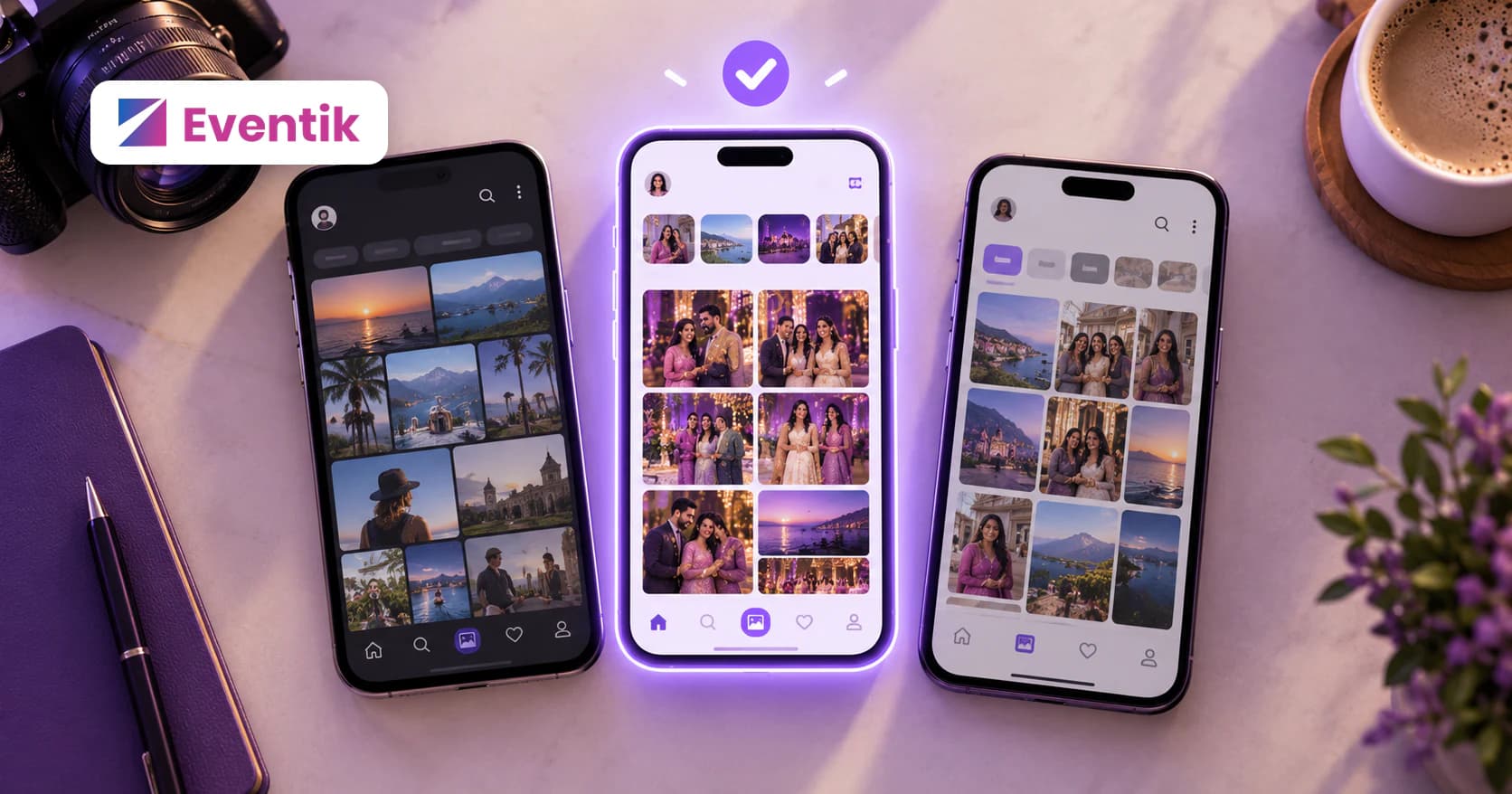
- The matches appear. The guest sees their personal gallery and can favourite, share or download the photos the studio allows.
One more step makes a big difference at real events: photos added later are matched too. A studio may not upload everything at once, so a good system keeps matching new uploads against guests who already took a selfie. See how it works in Eventik.
Why it beats scrolling, WhatsApp groups and folders
The usual ways of sharing event photos all make the guest do the work. A chat app can compress photos, and a busy group buries the good ones under many others. A shared folder can mean downloading a lot to find a handful of pictures. A big online album can still mean scrolling through every function.
Face recognition flips that around. The guest does one thing, takes a selfie, and the photos come to them. For the photographer it can mean fewer individual requests after the wedding, and every gallery photo can carry the studio's watermark. Our guide to the best photo sharing app for events covers the delivery side in more detail.
How accurate is face recognition, and why is a photo missed?
Face recognition generally works best on clear, front-facing faces in good light. It tends to have more trouble in the situations where a person would squint at a photo and say "is that you?". Common reasons a photo is missed:
- Lighting: deep shadow, harsh stage lights or a dark reception hall can hide the features the software needs.
- Angle: a face turned sideways, looking down at the pheras, or seen from behind gives less to match.
- Covered faces: sunglasses, a ghunghat, a sehra, a mask or hands in front of the face.
- Crowds and distance: a tiny face at the back of a wide group shot or a packed dance floor.
- Motion: blur from dancing at the sangeet or a baraat in full swing.
How to fix a missing photo
- Retake the selfie in good light, facing the camera, without glasses or anything covering the face. A clearer selfie can help find photos the first one missed.
- Browse the full gallery if the studio has shared it with you. Some photos, like a shot from behind, can only be found by eye.
- Ask the photographer. They may be able to share the full gallery with you.
Is face recognition photo sharing safe?
It can be, but only if the provider treats face data with care. Face data is personal data, and in India the Digital Personal Data Protection Act, 2023 is the law that governs how personal data is processed; it generally requires a lawful basis, such as the person's consent. This is general information, not legal advice. Before you use any face recognition photo app, ask these questions:
- Is consent asked before matching? Guests should agree to face matching before their selfie is used.
- What exactly is stored? Ideally a facial template used only for matching, not a library of your face for other uses.
- Who can see my selfie and my matches? Your matches should be private to you.
- Is it ever sold or shared? It should never go to advertisers or be used to train other AI services.
- How do I delete it? There should be a clear way to delete your data, with a stated timeline.
How Eventik handles your face data
Eventik's privacy policy and FAQ say:
- Your selfie becomes a facial template, a set of numbers describing your face, used only to find you in the events you join.
- It is never sold, and never shared with advertisers or other AI services.
- Guests sign in and agree to face matching before their selfie is used. Signing in is how Eventik knows which matches belong to you.
- Retaking your selfie overwrites the old template straight away.
- Deleting your account removes your selfie, facial template and matches within 7 days from live systems, and within 30 days from backups.
- Other guests at an event you join may see your selfie in the participant list.
Read the full privacy policy for details.
Tips for photographers introducing it to guests
- Put the QR code where people wait: the welcome board, the photo booth, the buffet line and the return-gift table.
- Explain consent in one line: "Scan, sign in, take a selfie and agree to face matching, and My Photos shows the pictures you are in." Knowing what happens helps people decide.
- Tell the couple first. When the family understands it, they can explain it to relatives.
- Upload in batches. Share the first function quickly and keep adding; guests who already took a selfie are matched to new photos too.
- Share the full gallery with the couple so photos that cannot be matched, like shots from behind, are never lost.
Wondering what else Eventik does for studios? Read 10 reasons photographers switch to Eventik.
Frequently asked questions
How does photo face recognition find my photos?
Your selfie is turned into a facial template, a set of numbers describing your face, and compared with the faces found in the event's photos. The close matches are the photos you appear in.
Why is one of my photos missing?
Common causes are poor light, a face turned away, something covering the face or a very small face in a crowd. Retake your selfie in good light, facing the camera, or browse the full gallery if the studio shared it.
Is face recognition photo sharing safe?
Safety depends on the provider. Look for one that asks for consent, stores only what it needs, keeps your matches private and lets you delete your data. Eventik's privacy policy says your facial template is used only to find you in the events you join and is never sold or shared with advertisers.
Do I need to install a face recognition photo app?
Not with Eventik. Guests open the link or scan the QR code in a browser, sign in, take one selfie and agree to face matching.
Can I delete my selfie and face data?
Yes. Eventik's privacy policy says retaking your selfie overwrites the old template, and deleting your account removes your selfie, facial template and matches within 7 days from live systems and within 30 days from backups.